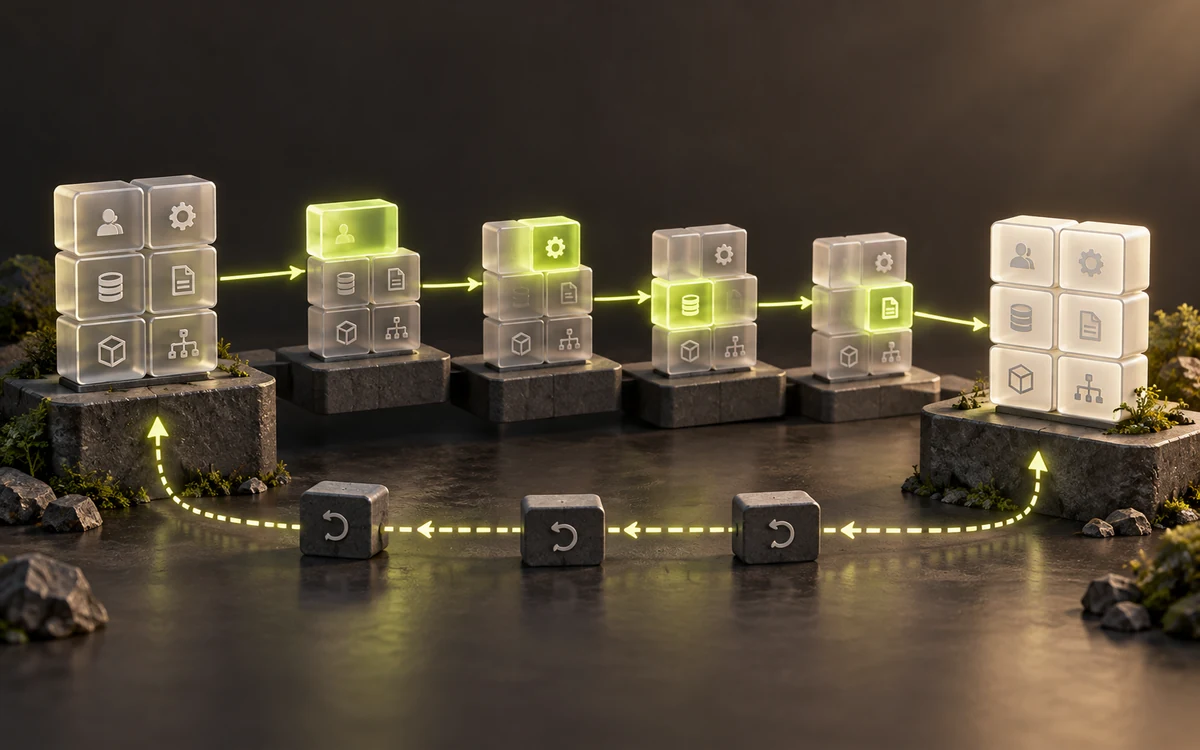
Upgrading a legacy Laravel application is not a matter of changing a number in composer.json. The framework, PHP, libraries, database and background processes work together. Preparation must demonstrate that a target combination can support your real workflows and that it can be deployed and operated. This is a practical method for building that evidence without turning a technical upgrade into a product redesign.
1. Establish what is actually deployed
Identify the production commit and the versions actually running, not just those declared in the repository. Compare PHP in the web server, command line and workers: they may use different executables or configurations. Record extensions, the database engine, cache, storage and external services. Keep this inventory alongside the startup and deployment procedures.
Look for differences between the repository and the server: a manual change, an untracked file or a cron job added outside the documented process. These gaps can make a fresh installation incomplete. If the previous provider is unavailable or access is missing, first address recovering the PHP project and its access. An upgrade does not resolve unclear account ownership.
2. Choose a compatible target, not just a recent one
Build a short matrix: component, current version, compatibility constraint, proposed target and known blocker. Include important business libraries for payments, PDFs, authentication, search or ERP exchanges. A dependency that no longer supports newer releases may matter more to the decision than the framework itself. Check its maintenance status, alternatives and adaptation effort.
Consult the official Laravel upgrade guide for each transition and the relevant PHP migration guides. They identify breaking changes that your tests must cover. For an application far behind the target, consider verifiable intermediate steps. This does not mean releasing every step to production: some are useful only for isolating a set of changes in a test environment.
What Composer can help you check
In a controlled working copy, the Composer documentation provides several diagnostics: validate checks the configuration; prohibits helps identify what blocks a target version; and audit reports issues including known security advisories. check-platform-reqs compares installed package requirements with the real platform, even when config.platform simulates another version. None of these checks, on its own, validates business behavior.
3. Reproduce the application without its external effects
Before changing dependencies, verify that a clean installation of the current application works from the repository and lock file. This is your baseline. The test environment must then isolate email delivery, payments, outgoing webhooks, storage and scheduled tasks. Changing the domain is not enough if a production key is still present.
Use synthetic data or a minimized, protected copy. Preserve the relationships needed for acceptance testing without unnecessarily spreading personal data. Prepare accounts with different roles. If a partner offers a sandbox, check how it differs from production; otherwise, define a controlled simulation and document what it cannot prove.
4. Write acceptance tests that catch meaningful regressions
A page loading is not enough evidence. For each critical workflow, define the starting data, user role, action and observable result. In a fictional example, confirming an order must produce the correct total, reject an unauthorized confirmation and create only one synchronization request. Failure and retry scenarios matter as much as the successful path.
- Authentication, password resets and permissions.
- Calculations, rounding, dates, time zones and status transitions.
- Imports, exports, generated documents and attachments.
- Background tasks, API failures, duplicates and recovery after interruption.
- Response times and resource use with representative data volumes.
Automate repeatable checks and have business outcomes reviewed by the people who understand them. Keep observations before and after each step: errors, slow queries, failed tasks and expected totals. A test that was already failing before the upgrade should be identified as such, without becoming an excuse to overlook a new problem.
5. Plan data changes and recovery together
Distinguish a framework upgrade from changes to the schema or data. If deployment changes the database, assess execution time, possible locks and compatibility with the previous code. An additive change may allow a multi-stage transition, but this must be evaluated for the actual database engine and data volumes rather than assumed to be safe.
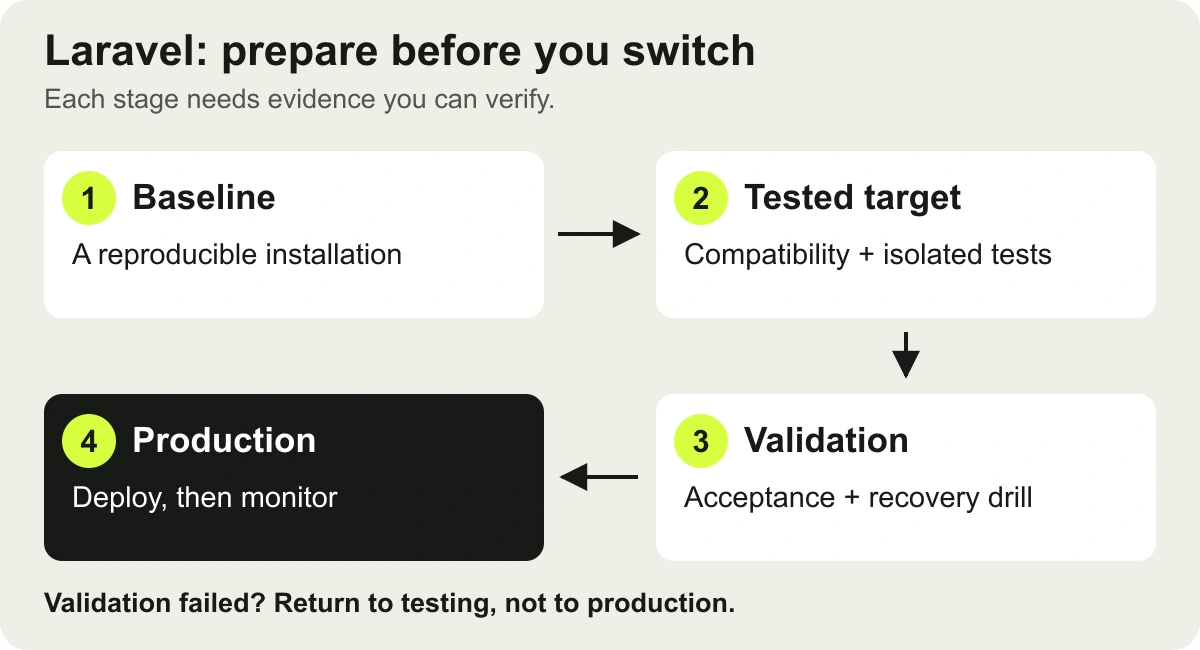
Returning to the previous commit does not automatically restore the previous data state. Define stop conditions, the restoration procedure and how to handle writes received after the switch. Restoring a backup can lose those writes if no reconciliation method has been planned. Rehearse the procedure on a copy before setting the production window.
6. Deploy a release, then observe the whole system
The release plan lists actions, owners and expected checks: configuration, locked dependencies, any migrations, caches and long-running processes. The Laravel deployment documentation explains that persistent services must pick up the new code. The appropriate command depends on the version and components; use a procedure validated for your application, not a command copied from another generation.
After the switch, check a representative workflow, logs, queues and integrations. Some failures only appear in the next scheduled task or a less common event. Agree who reviews these signals and how a discrepancy triggers a decision. An accessible application is not enough to declare the upgrade complete.
What you need before giving the go-ahead
- A reproducible baseline and a target whose incompatibilities have been reviewed.
- Acceptance results, explicit reservations and business sign-off.
- A rehearsed deployment and restoration plan that accounts for new writes.
- Named owners for the release, monitoring and subsequent maintenance.
This preparation makes estimation more reliable by separating established blockers from remaining unknowns. If you are still deciding whether to retain the existing system, start with our Laravel audit and takeover guide. To define an engagement, explore our Laravel takeover and maintenance service or tell us about your application, without submitting secrets through the form.