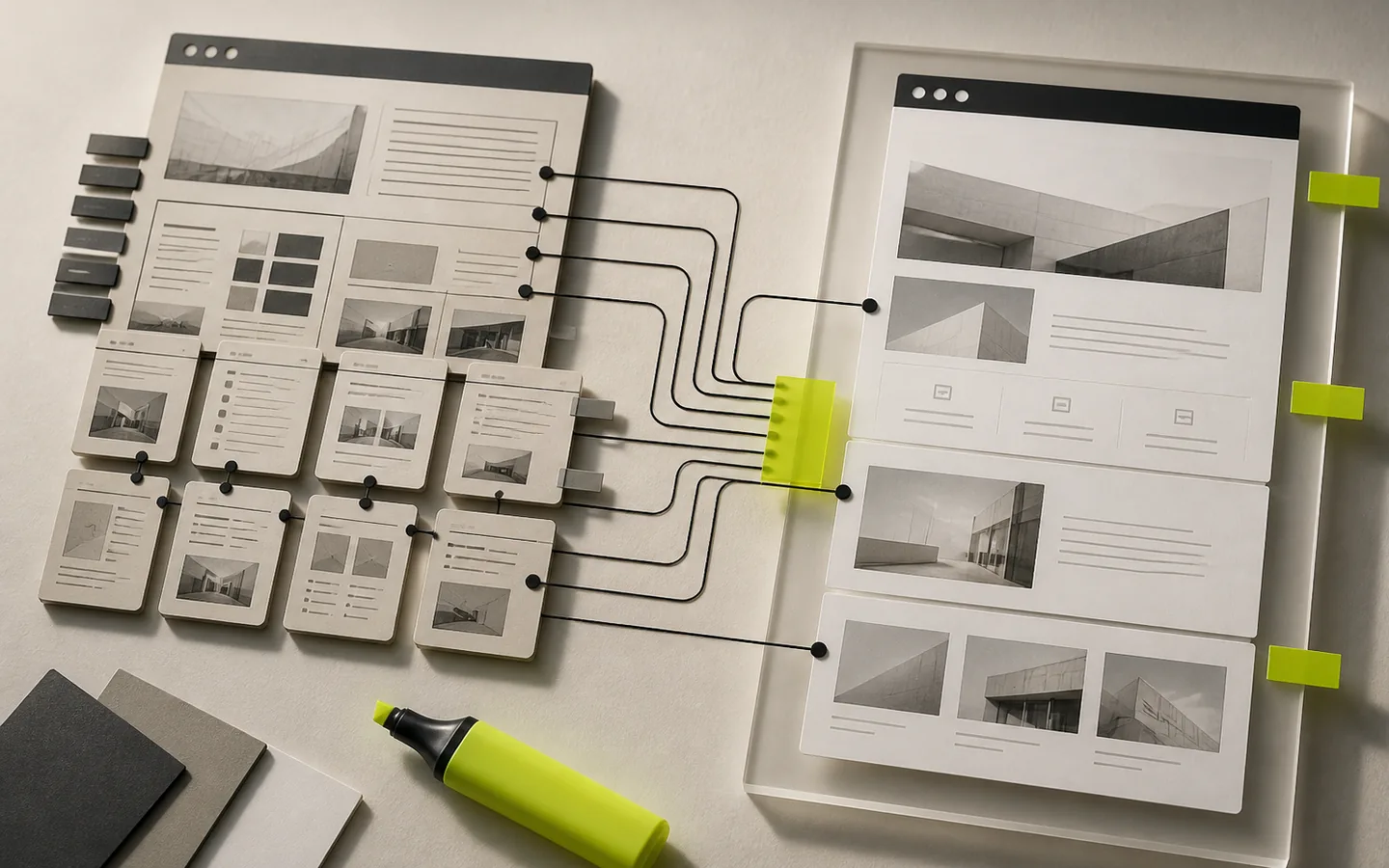
An old WordPress can remain central for visibility, editing, forms, sales or business functions. Modernizing it therefore does not consist of posing a new theme on an unknown basis: we must preserve what works, make dependencies visible and organize a verifiable migration.
Freeze the starting truth
Before modifying what already exists, we document what is actually online. The inventory covers indexable URLs, content types, templates, extensions, specific code, accounts, scheduled tasks, forms, emails, and external integrations.
This photograph must also identify less visible behaviors: historical redirections, private content, payment rules, languages, consent, internal search engines, exports or manual administration operations. A feature forgotten during the redesign often becomes an incident after going live.
Protect URLs before redoing screens
The SEO of a redesign is largely determined before the development of the new theme. You must extract the known URLs, identify their titles, descriptions, canonical, HTTP status, internal links and presence in the sitemap. This basis is then used to decide for each address: keep, merge, redirect or remove.
- a preserved page keeps its URL and its intention if possible;
- a moved page receives a permanent redirection to the closest equivalent;
- a page without equivalent is not arbitrarily redirected to the home page;
- internal links, canonical, sitemap and breadcrumbs are updated together.
Important content remains in the HTML. Animations and interactions can enrich reading, but should not become the only way to access essential information.
Work in a reversible environment
The modernization is prepared on an isolated copy, with a verified backup and a clear procedure for synchronizing the contents or orders appearing during the project. Migration scripts must be replayable. Database, URL or media changes should be checked on a sample and then on the whole.
A pre-production environment is only useful if it reproduces the decisive constraints: PHP and server versions, cache, emails, payments in test mode, file rights and security rules.
Choose dependencies instead of stacking them
To be retained
- content and uses that are still useful;
- the extensions maintained which respond well to the need;
- the editorial conventions understood by the team;
- documented and testable integrations.
To replace or isolate
- abandoned or redundant extensions;
- the specific code without clear responsibility;
- builders who block performance or maintenance;
- critical functions without fallback solutions.
Rewriting everything to measure is not automatically more sustainable. Conversely, adding an extension for each need ends up multiplying interfaces, scripts and compatibility risks. Good architecture keeps WordPress excellent at editorial and specifically develops what really matters.
Testing something other than pixels
A desktop and mobile visual review is essential, but it is not enough. The recipe should cover editing, keyboard navigation, forms and their protections, accounts, search, private content, payments, emails, languages and key conversion paths.
The technical control also checks HTTP statuses, JavaScript errors, spurious widths, images, title hierarchy, metadata and visible structured data. Strategic pages are compared to the initial photograph to detect unintentional disappearance of content or functionality.
Organize the changeover and the aftermath
The upload must specify who performs the final backup, who applies the migrations, who purges the caches and who decides on a rollback. Immediately after the switch, we check priority URLs, forms, server logs, indexability and redirects.
The following days are used to correct actual errors, track unfound pages, and confirm that the editorial team can work normally. A successful modernization not only delivers a new appearance: it makes the site easier to operate, understand and evolve.
Do you have an existing situation to review or a process to clarify?